
Visualizer
Your kitchen. Any color. For real.
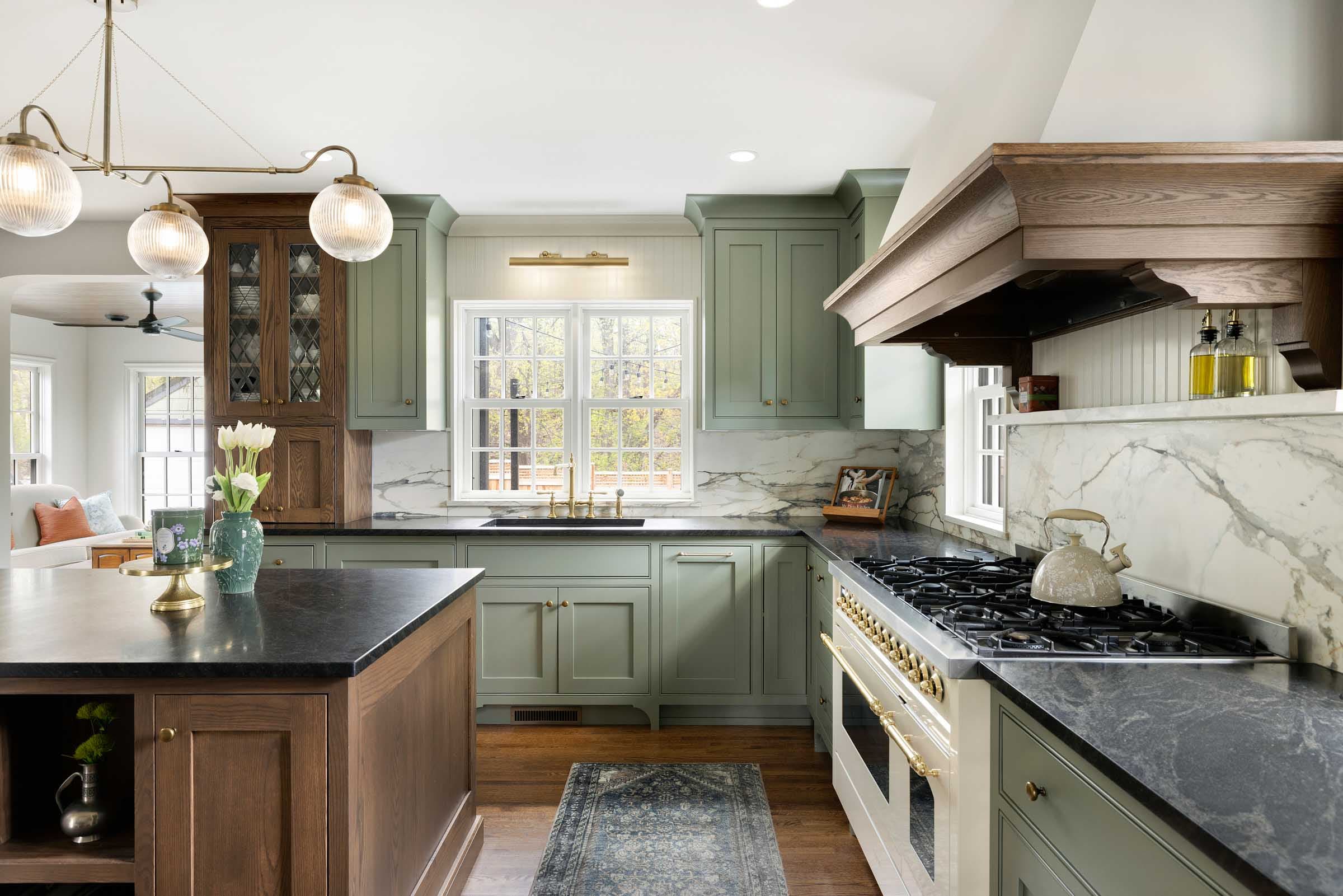
Upload a photo of your kitchen, pick a color, and watch AI re-stone the counters photorealistically — shadows, reflections, and edges follow your actual room. Prefer hands-on? The instant manual mode is one tab away.
Try It
Three steps to a new kitchen.
1 — drop in a photo. 2 — pick a color (and what to change: all counters, island, backsplash). 3 — Visualize it, compare before/after, download, and quote it.
AI visualization — great for direction, not a slab promise. Natural stone varies; confirm your shortlist on the real material. Photos are processed for your render and not kept.
Pick a color
Browsing first? Every color in the countertop catalog has a See It in Your Kitchen button that lands here with the color loaded.
Screenshot-worthy?
Download your favorite look and send it with a quote request — we'll price that exact color.